CAMRA - north notts beers list

  • 0
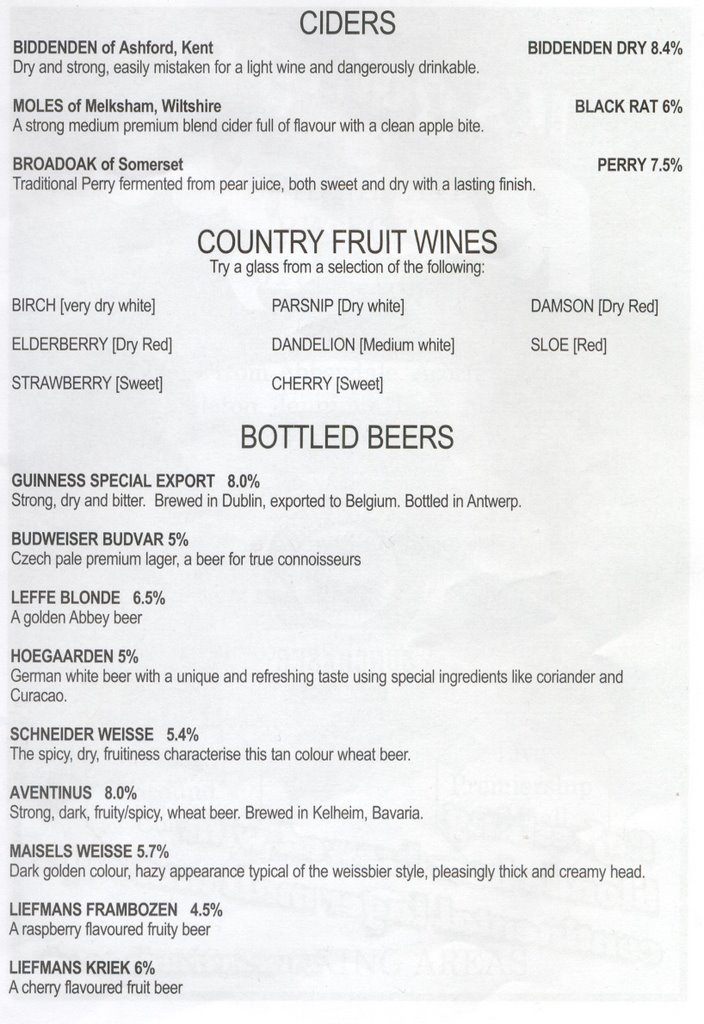
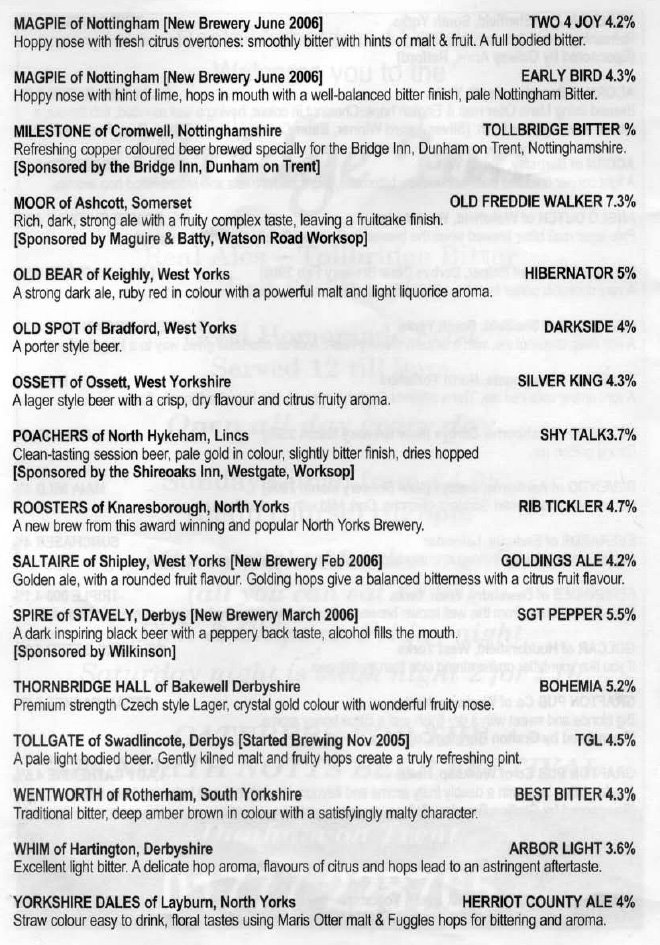
Scanned in from the programme:


Cider/wine/bottled beer

Greene king: The beer to dine for

Had an idea last night when I banged my head. Ill start to keep a log of all the beer I find. Why not? I know am not a member of Campaigning for Real Ale but I must drink a few different ones now.

This one was given to me by mark. It’s English Pale Mild Ale. It’s got a weird name but its ok once you drink it.

Comes in 750ml bottle (an alcoholic sized bottle, so its good already, for me at least.) 5% too. Made in Suffolk but the hops are from Washington state and Oregon. Pretty far to go don’t you think.
Sorry about the picture. Someone drank it!

Rating: was ok
As you can see am a professional at rating beer
Overall: Easy drinking. Goes down well.


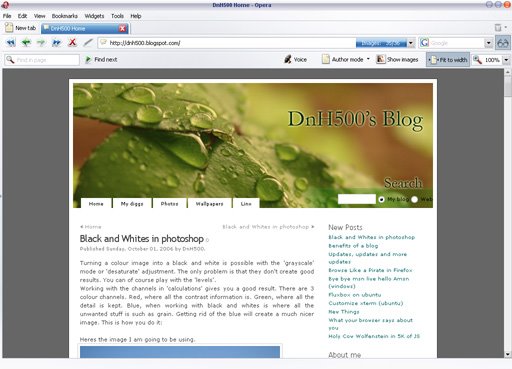
Browser test

Firefox:

The Top CSS menu has the courners nicely rounded off and the menus look fine.

IE6:
Well What can I say most of the page looks fine. Bit bold around the bored but hey its fine. Uhm about the menu... where does it say this blog is designed for IE anyway?

Opera:

Everything looks fine to me.

Konqueror:

The KDE browser does nothing much wrong.

Elinks:

One of the many linux terminal browsers. I had no problems reading posts on this.

I want to take this further sometime and really get down to some CSS and even use IE7.

Black and Whites in photoshop

  • 0
Turning a colour image into a black and white is possible with the 'grayscale' mode or 'desaturate' adjustment. The only problem is that they don't create good results. You can of course play with the 'levels'.
Working with the channels in 'calculations' gives you a good result. There are 3 colour channels. Red, where all the contrast information is. Green, where all the detail is kept. Blue, when working with black and whites is where all the unwanted stuff is such as grain. Getting rid of the blue will create a much nicer image. This is how you do it:

Heres the image I am going to be using.
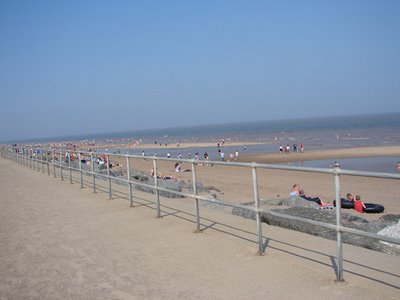

'Calculations' can be found in the 'image' menu. In Source 1: you use the green channel. In Source 2: you use the red channel.
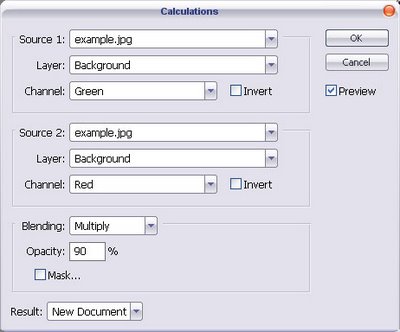
Depending on the image and the effect you want you can play with the blending modes. I am wanting a darker image with contrast so I am using the multiply at 90% opacity.
Note: If your going to set it to result as a new channel your going to have to greyscale the image and select the new channel to save.
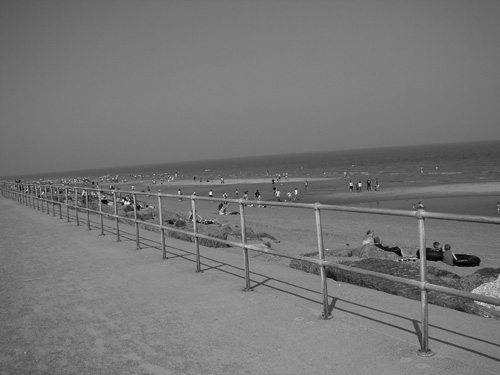
The finished result:


The image is much better than the normal grayscale:
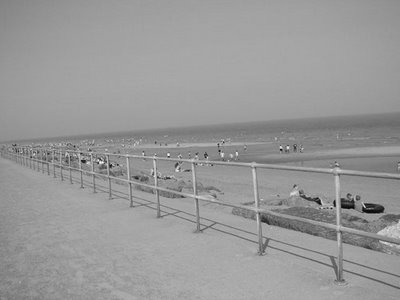

You can always play around with 'calculations' tool till you get the result you want.
Benefits of a blog

  • 0
I been thinking... Whats the point in a blog.

Heres what I came up with
  1. Insult people
  2. To remind you of things
  3. links... If your like me with sites/flash/pictures all over the web. It kinda helps to have them all in one place. Plus I forget urls a lot.
  4. Stalkers! You know who you are!
  5. Lists... Blogs need lots of them
  6. Pictures! everyone loves pictures
  7. Pointless Rubbish... like the above stuff you just read

Updates, updates and more updates

Sorted out a few things. A few bugs in the page when I view in IE. But I not too bothered about them.

List of all this rubbish:
  1. New banner
  2. Less crap on the menu
  3. Links updated... new blogs by arna and sonja
  4. Cartoon list updated
I need idea on what to blog...
Tags:

Browse Like a Pirate in Firefox

  • 0
Being talk like a pirate day I thought this would pretty much fit in. The greesemonkey script alters text to pirate talk.

greasemonkey.makedatamakesense.com/browse_li...

Bye bye msn live hello Amsn (windows)

  • 0
Lately it’s just not working for me. Signing on takes 2 or more trys. The web cam feature will not work full stop. Constantly signing off. It’s just useless.
The last time I tried amsn on windows was a while ago. I didn't really think much to it at first. I was already using it on ubuntu and it worked well on the linux platform. I like a lot of the skins, the web cam feature just works and there is a lot of possible customising options. Not to mention no annoying adverts.

Hopefully Amsn wont fail me on windows...

links:
Amsn homepage
Tags: , ,

Fluxbox on ubuntu

Fluxbox can be installed using apt-get with
sudo apt-get install fluxbox

Its fast, sleek and suitable for servers and low spec machines/laptops. One tip though if you dont know your way around the terminal you might find somethings harder than in gnome or kde.

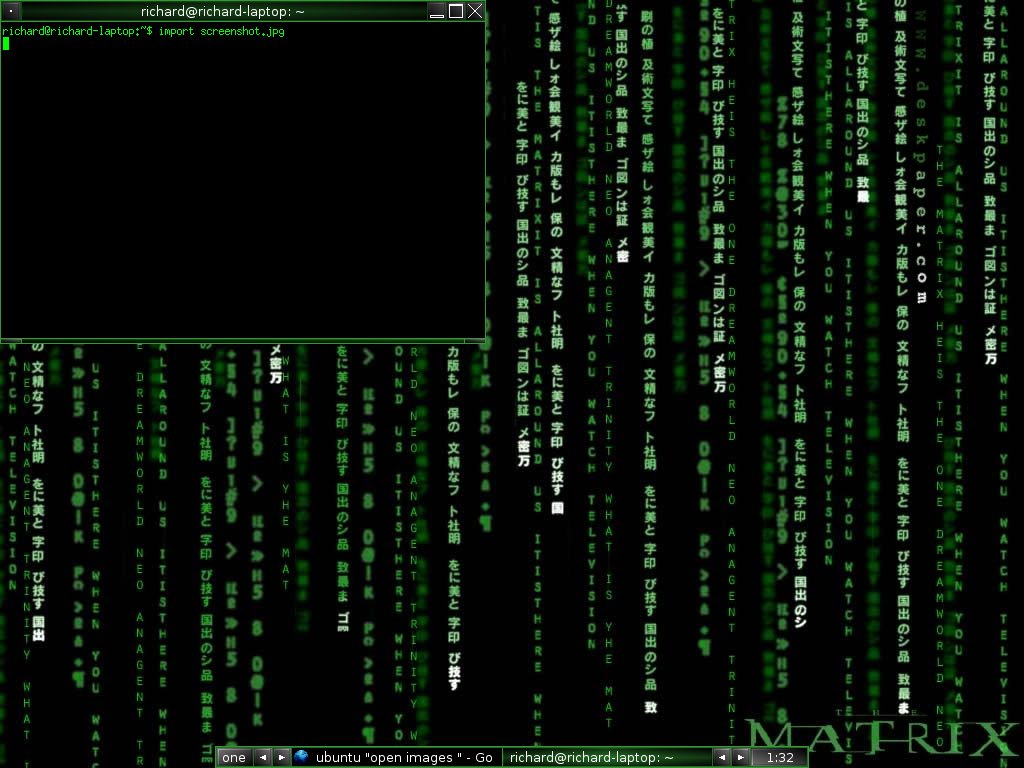
My desktop:

Customize xterm (ubuntu)

I'v been using the xterm terminal for about a week now. I wanted to change it from the black text on a white background to a more matrix look for my fluxbox theme.

Edit ~/.Xdefaults with vim, gedit or your favourite editor. For example:
gedit ~/.Xdefaults

The text/code to change the background and forground (to go in the file).
XTerm*background: Black
XTerm*foreground: Green


After that run the comand below to activate the changes.
xrdb ~/.Xdefaults